Capture anything.Ship it anywherewith your AI agents.
Screenshots and screen recordings at your display's native resolution, with a webcam bubble. Save locally or to cloud drives, publish to YouTube, TikTok and Facebook - or let your AI agents do it over MCP and CLI.
Star on GitHub ·github.com/craft-mann/capturemann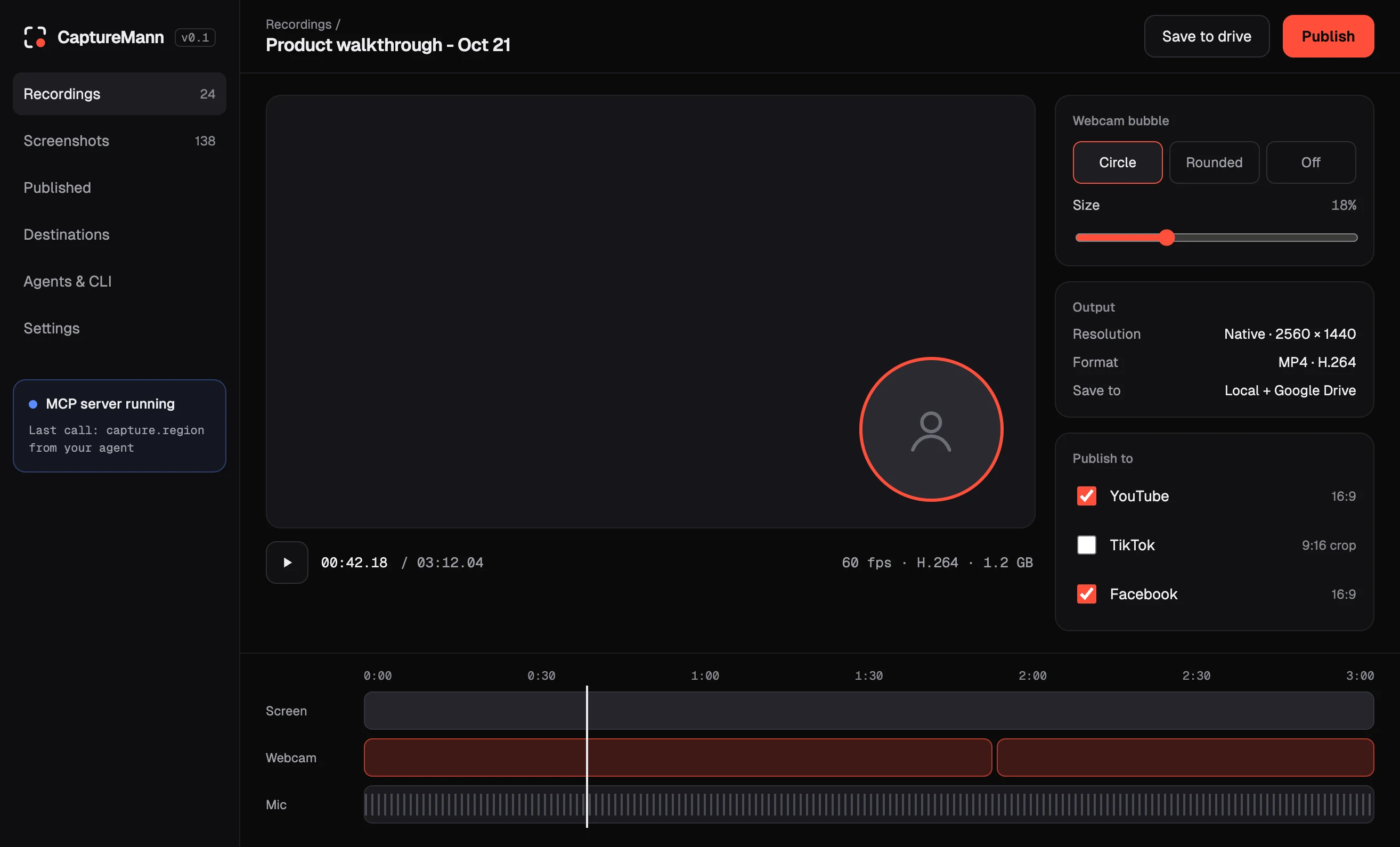
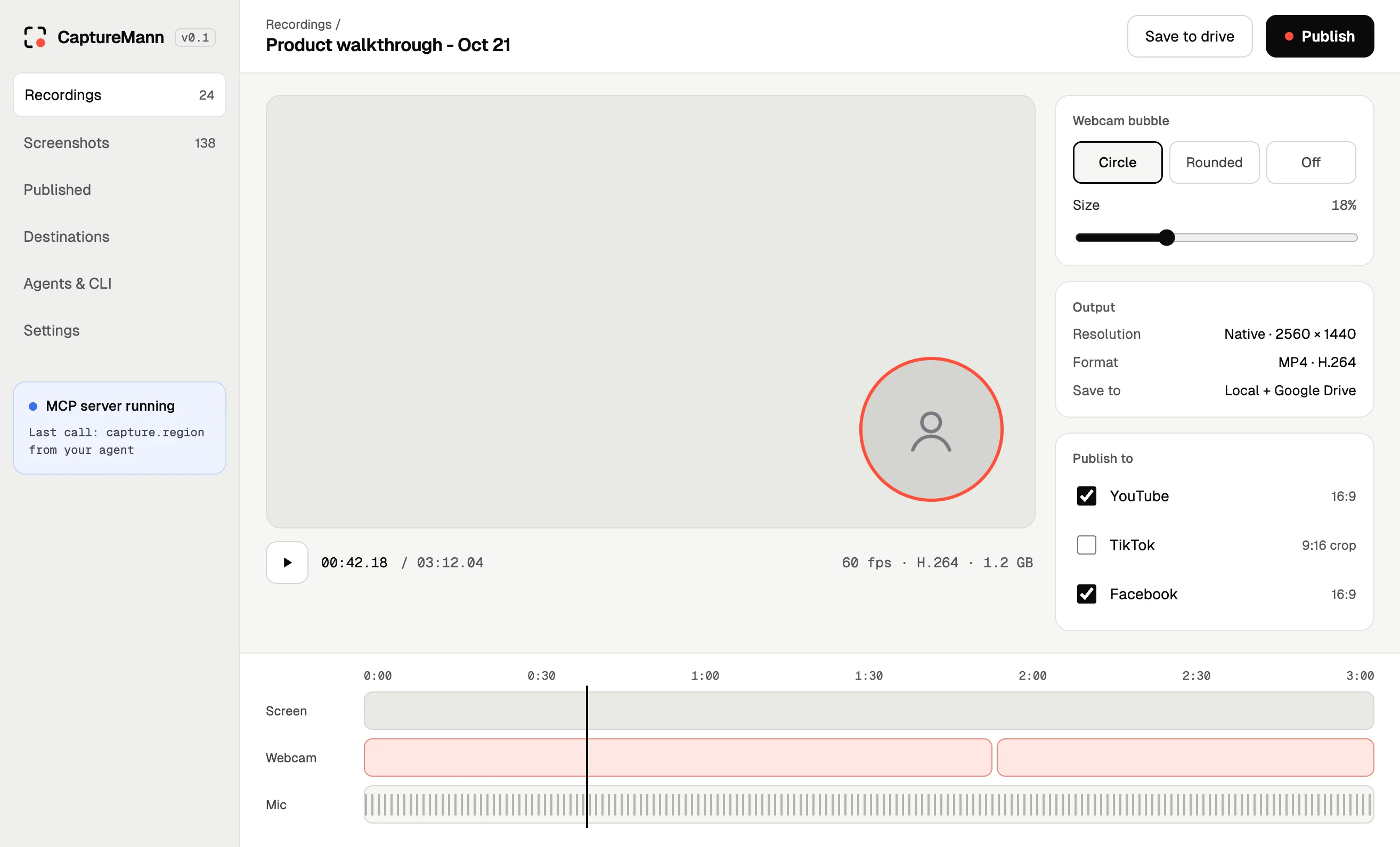
One app from capture to channel.
Screenshots, any shape
Capture a region, a window or the full screen - copied to your clipboard and saved in one step.Native resolution
Record at up to your display's native resolution. Text stays crisp, UI stays readable.Webcam bubble
Put your face in the corner of every recording. Resize it, move it, or switch it off.Local or cloud
Everything lands on your disk first. Send it on to a cloud drive when you choose.Publish in one click
Post straight to YouTube, TikTok and Facebook without leaving the app.Driven by agents
Every feature is an MCP tool and a CLI command, so your AI agents and scripts can run it too.Capture. Save. Publish.
Capture
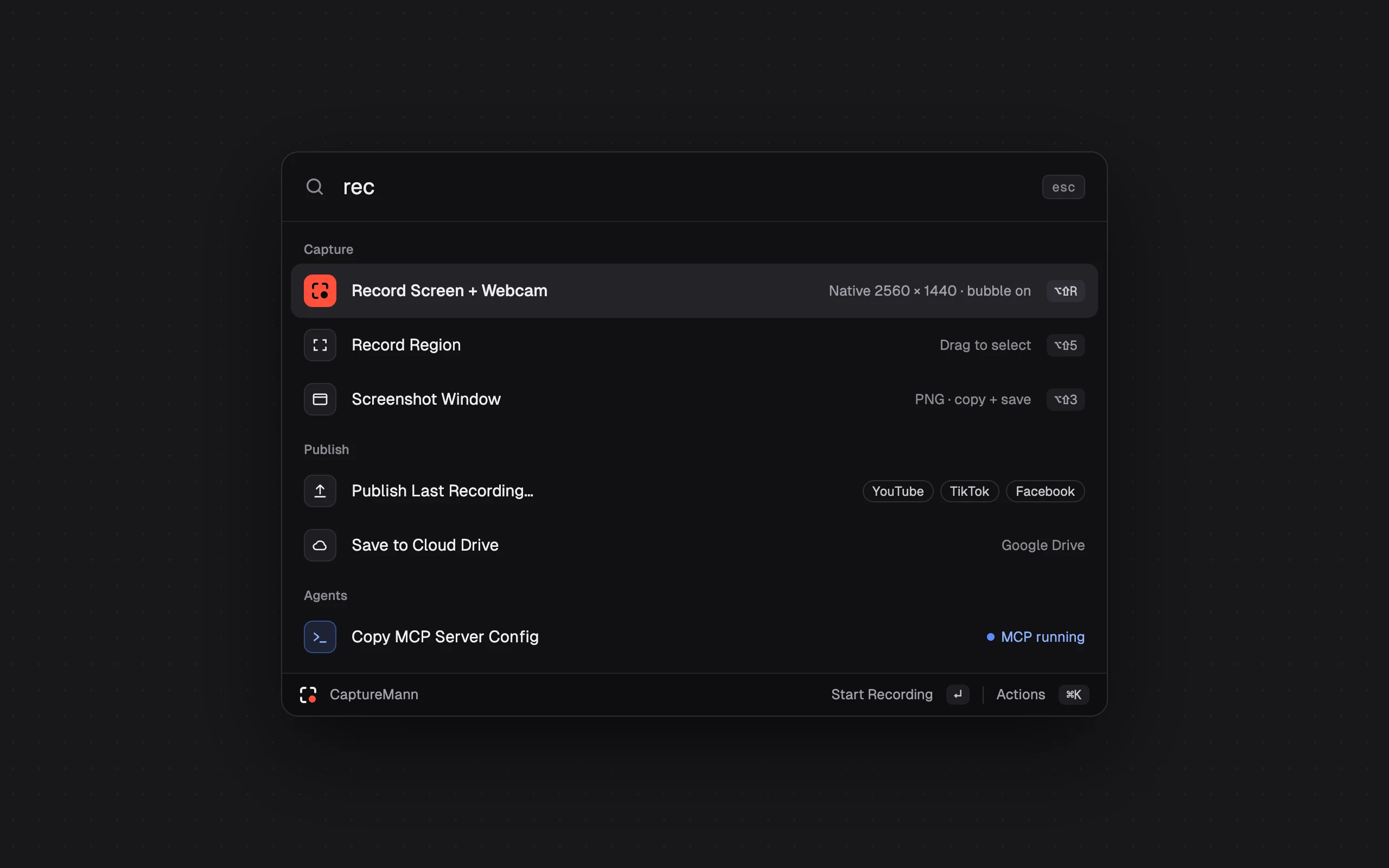
Open the launcher with a shortcut, pick a region, a window or the whole screen, and turn the webcam bubble on or off.Save
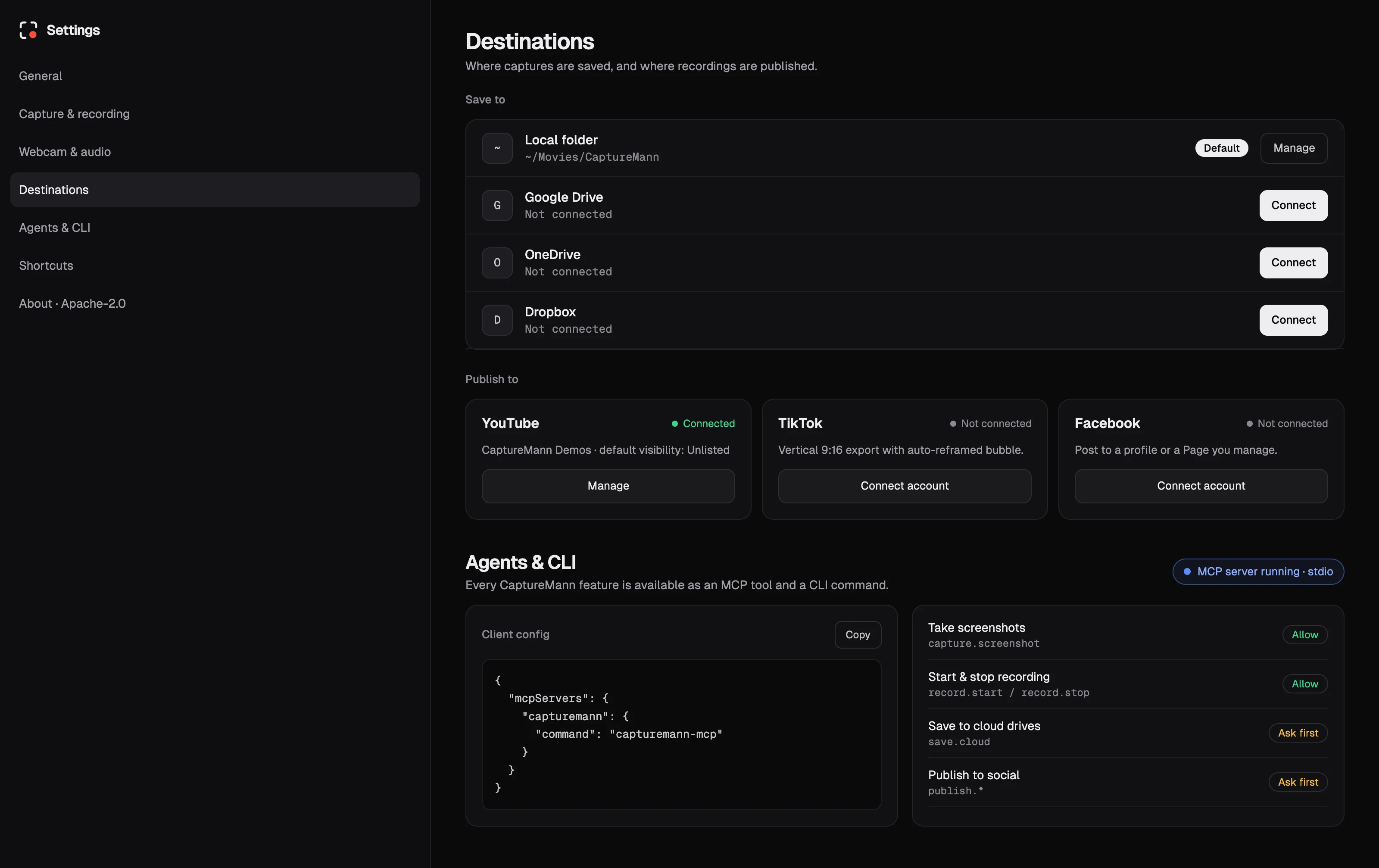
Your capture is saved to a local folder right away, and to your connected cloud drive if you want it there.Publish
Pick YouTube, TikTok, Facebook - or all three - and publish from the editor.Your agents can press record too.
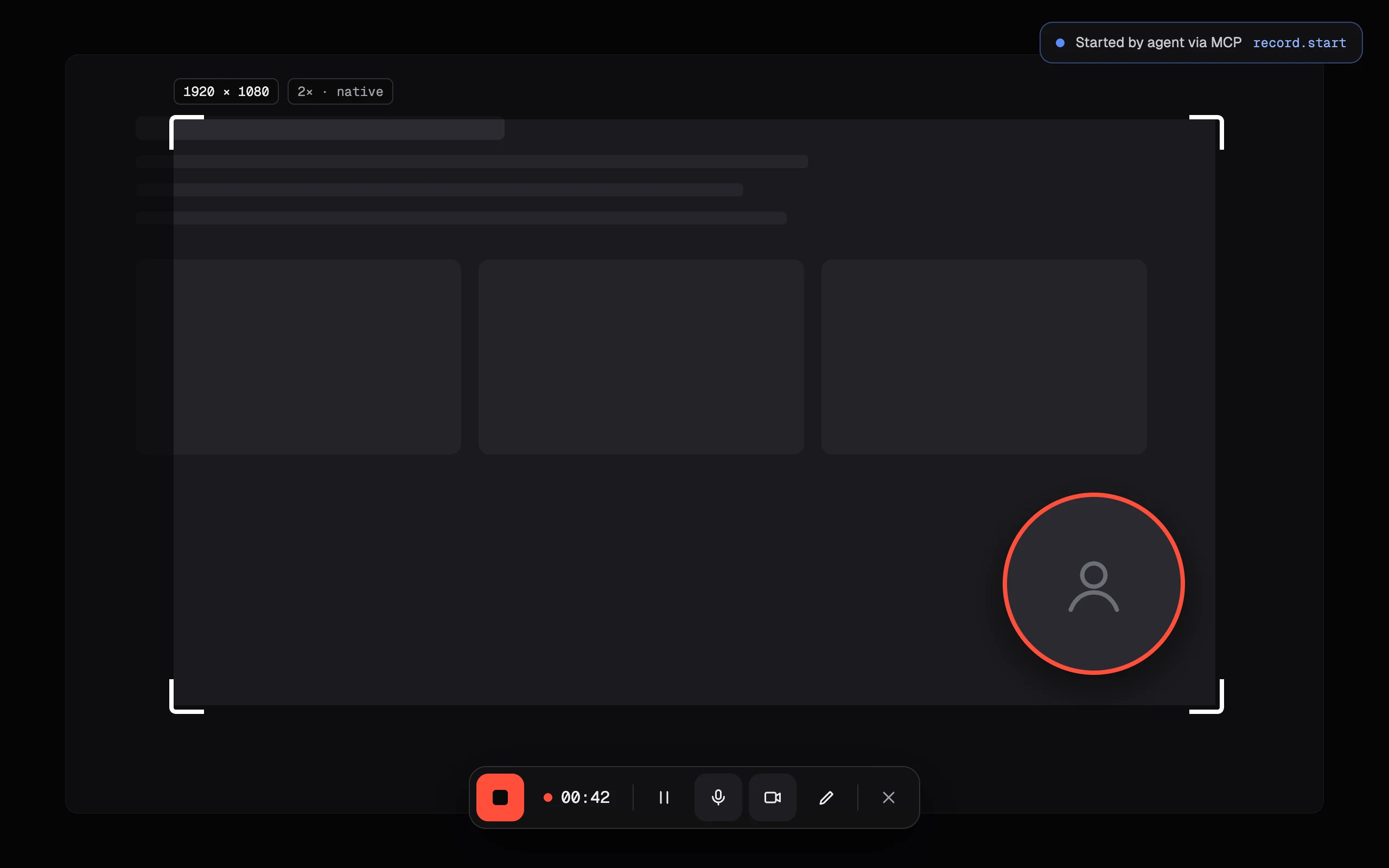
CaptureMann runs an MCP server, so AI assistants and agents can take screenshots, record demos and publish them. The same features are in the CLI for scripts and CI.
- Every feature exposed as a tool
- Ask-first permissions for saving and publishing
- You see when an agent starts a recording
{
  "mcpServers": {
    "capturemann": {
      "command": "capturemann-mcp"
    }
  }
}SAVE TO · PUBLISH TO
Free. Apache‑2.0. Yours to fork.
No account, no watermark, no subscription. Read the code, file issues, send pull requests or ship your own build.
Questions, answered.
Yes. It is free and open source under the Apache-2.0 license, for both Windows and macOS.
Up to your display's native resolution, so text and UI stay sharp.
To a local folder first. You can also send them to Google Drive, OneDrive or Dropbox.
YouTube, TikTok and Facebook, directly from the app.
CaptureMann exposes every feature through an MCP server and a CLI. Connect it to your agent of choice and it can capture, record and publish, with ask-first permissions for saving and publishing.
Please do. Issues and pull requests are welcome on GitHub at github.com/craft-mann/capturemann.
Start capturing.
Free for Windows and macOS.